SPINDLE / LINUX ASSISTANT
Your words.
Your Linux.
You know what you want to do.
You shouldn’t have to memorise how to ask.
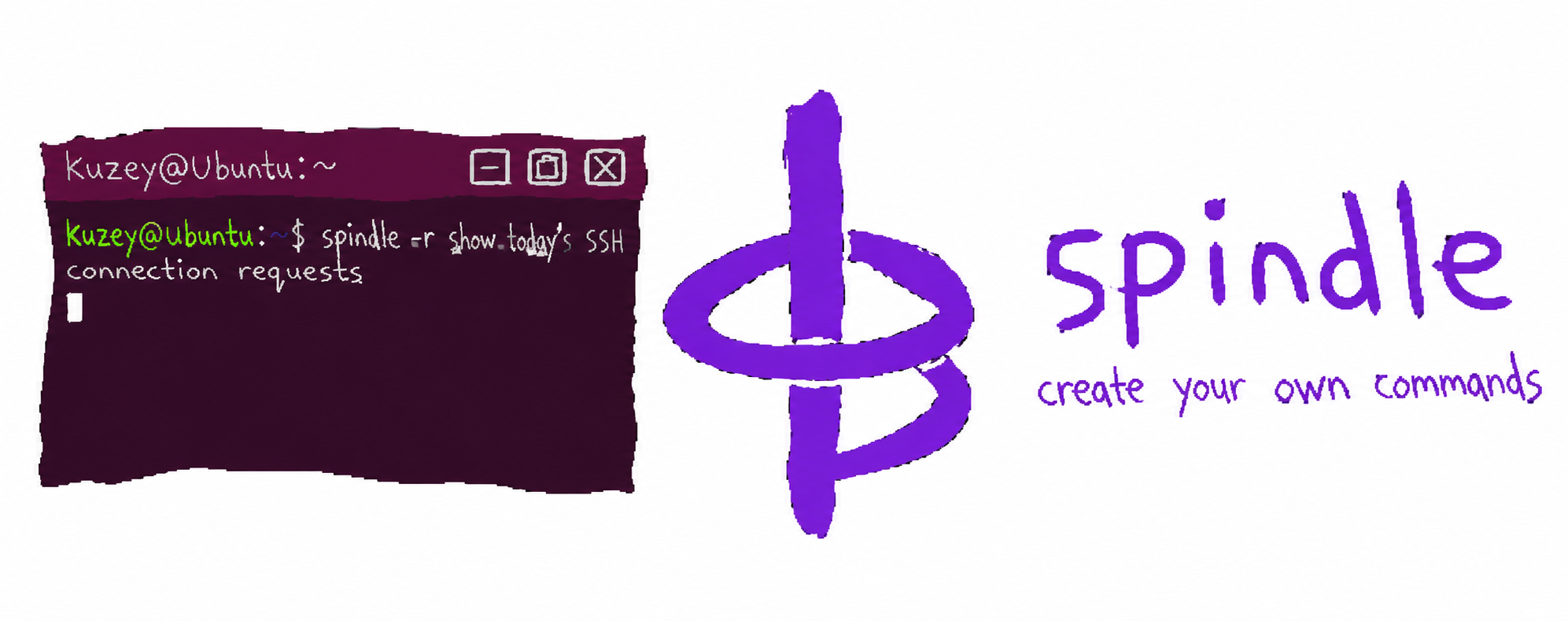
A MORE COMFORTABLE TERMINAL
Start with the question.
Not the command.
Spindle turns natural-language requests into Linux commands and explains their output. It keeps conversation context and replies in your language.
“What’s using all my memory?”
“Install nginx and certbot.”
Example requests to try in Spindle.
UNDERSTAND. THEN DECIDE.
A little less guesswork.
A little more confidence.
Ask naturally.
Begin with the task in front of you. Describe the result you want, or the thing you don’t understand.
See the next step.
Read-only commands can run directly. System-changing operations ask for confirmation first.
Make sense of it.
Use the explanation to understand what happened and decide what to ask next.
YOU STAY IN CONTROL
Help with the work.
A say in the changes.
Installs, restarts, deletions and configuration changes pause for your approval. Review the proposed action before agreeing.
The aim is simple: make the terminal a place where you can learn and get things done, with enough clarity to make your own decisions.
Know where the AI runs.
Spindle uses Claude. Your request and system snapshot are sent to the API; command output is sent for explanation. A Claude API key is required.
EVERYDAY CHECKS
A quick look at your system.
Built-in commands cover system status, services, ports and logs.
spindle statusSystem overviewspindle ls servicesServices and their statespindle ls portsOpen portsspindle logs nginxService logsspindle helpFull command listGET SPINDLE
Download & install Spindle.
This release has known packaging issues: its launcher and dependency declarations are missing. These commands download or install the package, but do not fix those issues.
Choose how to install.
Use either the direct download or the repository method. Commands run in your terminal; sudo asks for your computer password. Download commands require wget; repository setup requires curl.
01 / Download only
wget "https://get.kotechsoft.com/pool/main/s/spindle/spindle_1.0_all.deb"02 / Download and install
wget -O "spindle_1.0_all.deb" "https://get.kotechsoft.com/pool/main/s/spindle/spindle_1.0_all.deb" && sudo apt update && sudo apt install "./spindle_1.0_all.deb"03 / Install a file you already downloaded
cd ~/Downloads && sudo apt update && sudo apt install "./spindle_1.0_all.deb"The third command assumes your browser saved the file in ~/Downloads. If you chose another folder, change that path.
Install through our APT repository.
Add the repository once to receive future package updates through APT. This uses the repository key, which is separate from the Petacomm package-signing key.
Add the repository and install
(repo_tmp=$(mktemp -d) && trap 'rm -rf "$repo_tmp"' EXIT && curl -fsSL https://get.kotechsoft.com/kotech-archive-keyring.gpg -o "$repo_tmp/key.gpg" && curl -fsSL https://get.kotechsoft.com/kotech.sources -o "$repo_tmp/kotech.sources" && sudo install -d -m 0755 /etc/apt/keyrings && sudo install -m 0644 "$repo_tmp/key.gpg" /etc/apt/keyrings/kotech-archive-keyring.gpg && sudo install -m 0644 "$repo_tmp/kotech.sources" /etc/apt/sources.list.d/kotech.sources && sudo apt update && sudo apt install spindle)Repository already added?
sudo apt update && sudo apt install spindleUpdate an existing installation
sudo apt update && sudo apt install --only-upgrade spindleRemove the package
sudo apt remove spindleSource installation and additional setup
GET STARTED
Make yourself at home
in the terminal.
Requirements: Linux (tested on Ubuntu), Python 3.10+ and a Claude API key.
01 / INSTALL
git clone https://github.com/petacomm/spindle.git
cd spindle
chmod +x install.sh
sudo ./install.sh
02 / CONNECT YOUR API KEY
spindle login03 / ASK YOUR FIRST QUESTION
spindle -r "why is my disk full"Review the installer and the current setup instructions before running it.
Read the Spindle documentation ↗OPEN SOURCE
Look closer.
Help make it simpler.
Spindle is available under GNU GPLv3. Explore the source, share a reproducible issue or suggest an improvement.
Open source at Petacomm →